Boost Your Productivity: Digital Tools for Personal Growth
Collaborative post

Image Credit: Unsplash
In today's digital world, the tools we use daily significantly shape our personal growth. Getting a handle on your digital environment isn't just about being efficient; it's about making mental space so you can focus on what truly matters. By carefully choosing and using digital tools, you can smooth out your daily life, organize your thoughts, and boost your productivity to reach your long-term goals. This isn't about downloading more apps; it's about building a connected system that genuinely works for you.
Streamline Your Digital Workflow
A productive digital life starts with a clear workflow. This is simply the path your tasks and information take from beginning to end. Without a defined system, you might find yourself juggling dozens of open tabs, losing important emails, and constantly reacting to notifications instead of managing your day proactively. The aim is to create a predictable, organized process that reduces decision fatigue and keeps you focused.
Begin by mapping out your most common tasks. Do you manage projects with many steps, collaborate with others, or mostly focus on research and writing? Your answers will help you pick the right tools. For example, project management platforms like Trello or Asana use visual boards to help you track progress from "To-Do" to "Done." These next-generation tools for boosting productivity act as a central hub for all project communication, files, and deadlines, stopping key details from getting lost in a messy inbox. The trick is to pick one main "command center" for your work and stick with it. This creates a single, reliable source of information and eliminates the mental struggle of trying to remember where a specific piece of information lives.
Organize Information Effectively
Personal growth thrives on learning, but the sheer amount of information out there can feel overwhelming. We come across valuable insights in articles, ebooks, podcasts, and videos every day. The real challenge isn't finding information, but capturing, organizing, and retrieving it when you need it. An effective information management system acts like your second brain, storing knowledge so you can access it easily.
Digital note-taking apps like Notion, Evernote, or Obsidian are great for this. They let you clip web articles, jot down ideas, and build your own knowledge base. You can use tags and folders to sort your notes by topic, project, or interest, making them easy to search. For instance, you might create a "notebook" for career development, another for a new hobby, and a third for health and wellness.
This organization also applies to the files you collect. You might save inspiring articles as web pages, download industry reports as PDFs, and get Word documents from colleagues. This mix of formats can make your digital library messy and hard to use. Standardizing your files into a universal format is a simple but powerful step. Using a good PDF converter lets you turn various file types into a single, reliable format. This makes your documents easier to store, search, and annotate, ensuring the knowledge you gather is always accessible and ready to be used.
The Power of Seamless File Management
Once you have a system for capturing information, you need a dependable place to store it. Good file management is one of the core productivity tools for success. Relying only on your computer's hard drive is risky and inefficient. Cloud storage services like Google Drive, Dropbox, and OneDrive offer a powerful solution, syncing your files across all your devices. This means the report you saved on your work laptop is instantly available on your phone during your commute or on your home tablet in the evening.
The true power of cloud storage comes from setting up a logical structure. Don't just dump everything into one giant folder. Instead, create a clear hierarchy that matches how you think and work. A simple top-level structure might include folders like "Work," "Personal," "Projects," and "Archive." Inside each, you can create more specific subfolders. For example, under "Projects," you could have a separate folder for each active project.
Adopt a consistent file naming convention to make searching easier. A good format includes the date, a descriptive title, and maybe a version number. For instance, a file named "2024-07-15-Quarterly-Report-v2.pdf" tells you much more than "report final final.pdf." This discipline saves you countless minutes searching and ensures you're always working with the correct version of a document.
Automate Repetitive Tasks
Many of the small, repetitive tasks we do daily can be automated. This frees up valuable time and mental energy for more important work. Automation isn't just for developers or big companies; simple tools can help anyone streamline their digital life. Think of it as creating small "recipes" that tell your apps and services how to work together without you having to do anything. Understanding what automation is and how it can apply to your personal workflow is a big step toward being more efficient.
Services like IFTTT (If This Then That) and Zapier are built on this idea. They connect different apps using simple "if-then" statements. For example, you could set up an automation that does the following:
- If you star an email in Gmail, then a new task is automatically created in your to-do list app.
- If you post a new photo on Instagram, then it is automatically saved to a specific folder in your Dropbox.
- If a new article is published on a favorite blog's RSS feed, then it is automatically saved to your Pocket or Instapaper account to read later.
These small automations add up. They reduce the number of manual clicks and context switches you have to make throughout the day. This not only saves time but also helps you stay focused by handling the administrative busywork in the background.
Protect Your Digital Privacy
In our connected world, taking control of your digital life also means protecting your personal information. A privacy breach can lead to stress, financial loss, and a significant drain on your time and energy. Making good digital security habits part of your routine is a crucial form of self-care and an essential part of personal productivity. When you feel secure online, you can operate with more confidence and less anxiety.
Start with the basics of your digital security: your passwords. Using the same simple password across many sites is a major vulnerability. A password manager like Bitwarden or 1Password solves this by generating and storing strong, unique passwords for every account. You only need to remember one master password to access your entire vault.
Next, enable two-factor authentication (2FA) wherever possible. This adds a second layer of security by requiring a code from your phone or an authenticator app in addition to your password. It makes it much harder for unauthorized users to access your accounts, even if they manage to steal your password. For a full overview, a guide to better digital privacy offers detailed steps you can take today. Being aware of app permissions and regularly checking what data your applications can access is another important habit for keeping control over your digital footprint.
Building a productive and supportive digital environment is an ongoing process of refining things. The goal isn't to use every tool available, but to find the right combination that reduces friction and helps you focus on your growth. Start by identifying one area of your digital life that feels cluttered or inefficient and introduce one new tool or process this week.
End of collaborative post
Free self-development courses
👇
 |
 |
Free life guides
👇


Best-selling Self-development courses by Dean Bokhari
Kill procrastination.
|
Get motivated.
|
Connect with anyone.
|

freshly pressed:
Top Audiobooks narrated by Dean Bokhari on audible | |
Book summaries
- The Power of Habit by Charles Duhigg
- 12 Rules for Life by Jordan B. Peterson
- Presence by Amy Cuddy
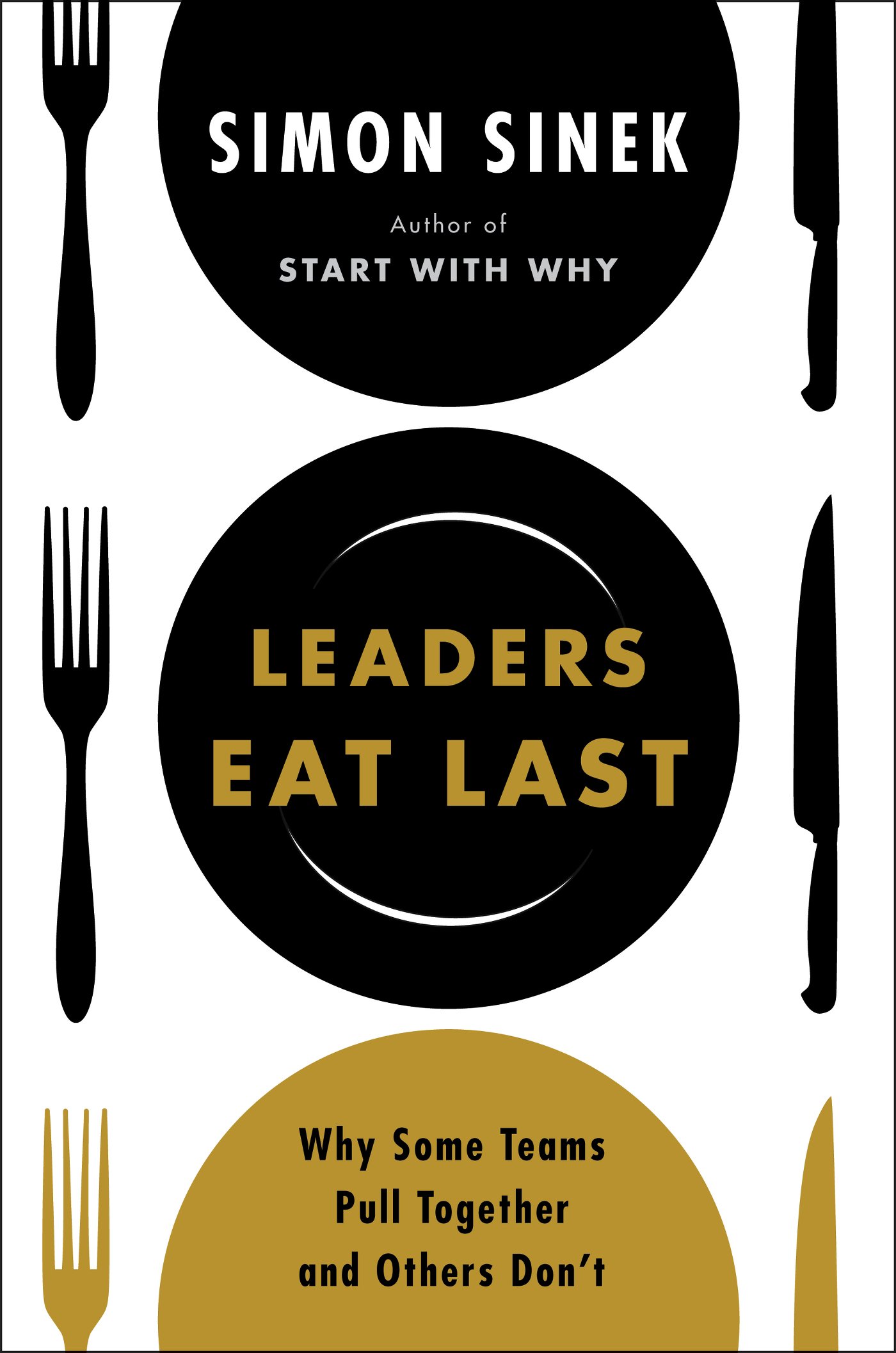
- Leaders Eat Last by Simon Sinek
- The ONE Thing by Gary Keller, Jay Pasan
- Deep Work by Cal Newport


NAV

listen + subscribe

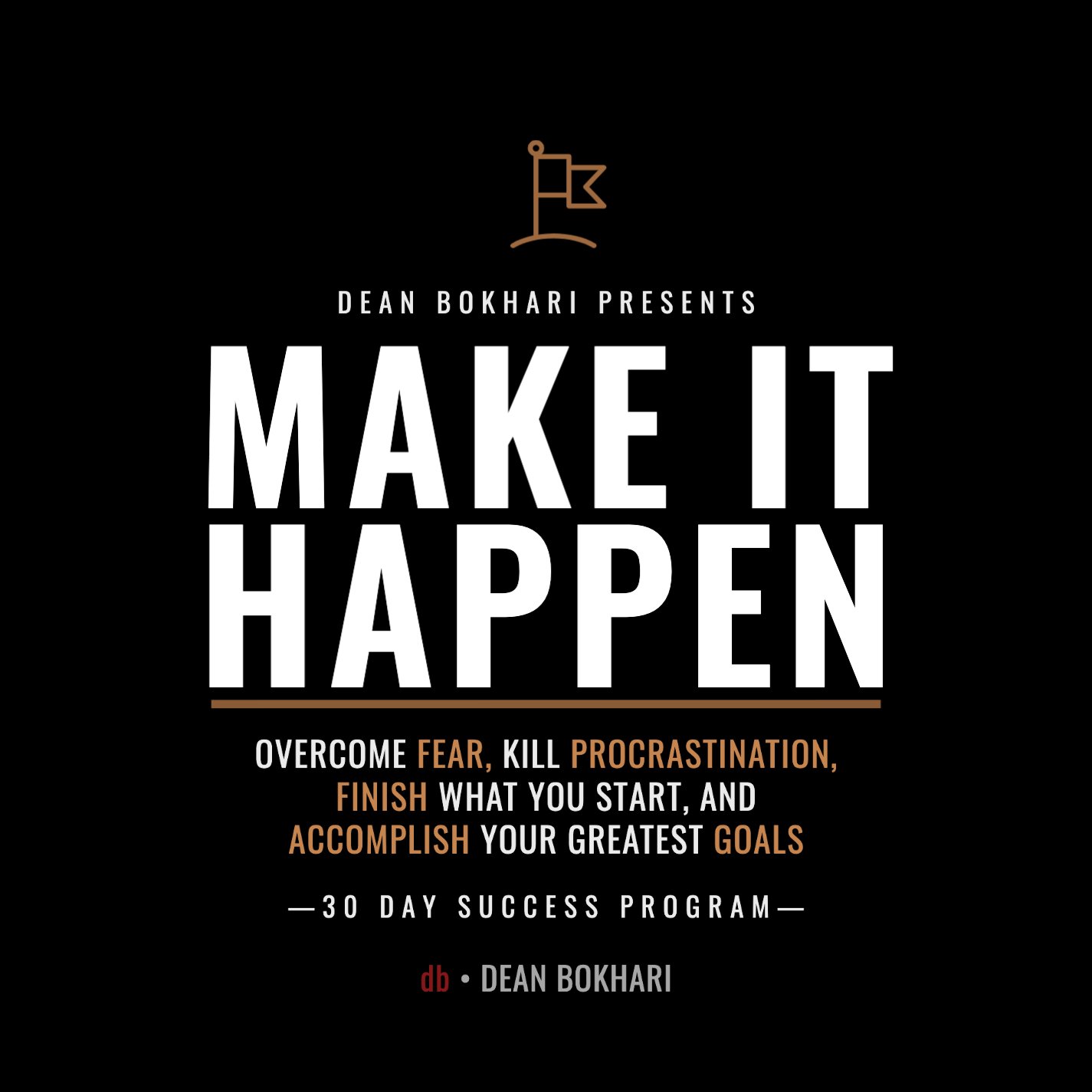
Overcome fear, beat procrastination, and accomplish your greatest goals with this 30-day success program by Dean Bokhari.
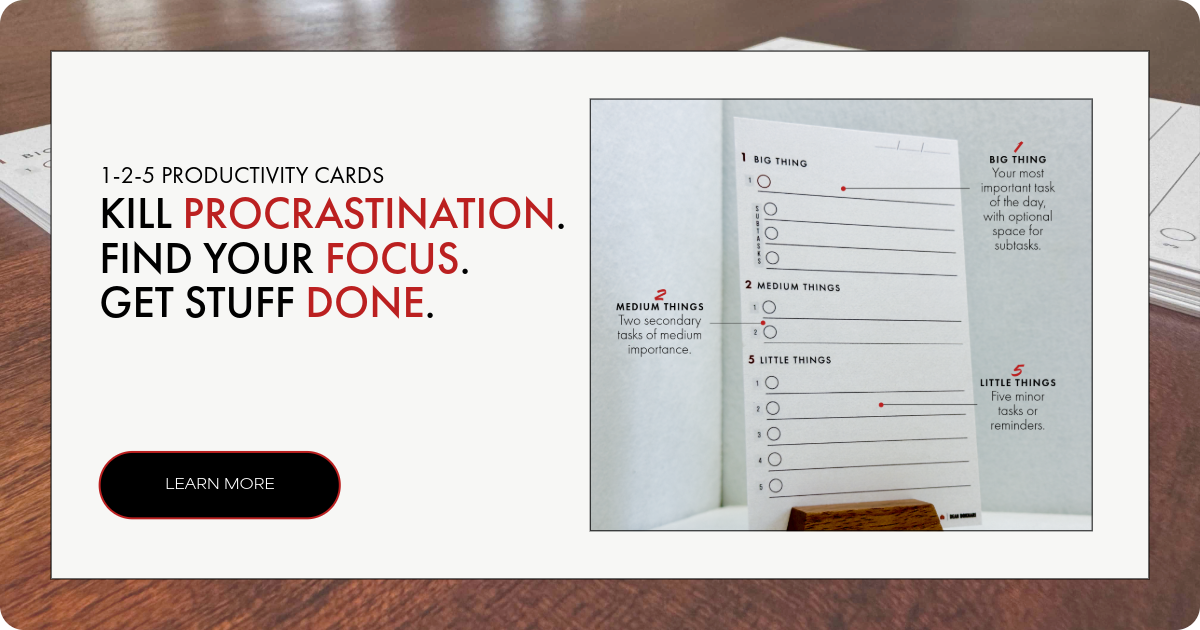
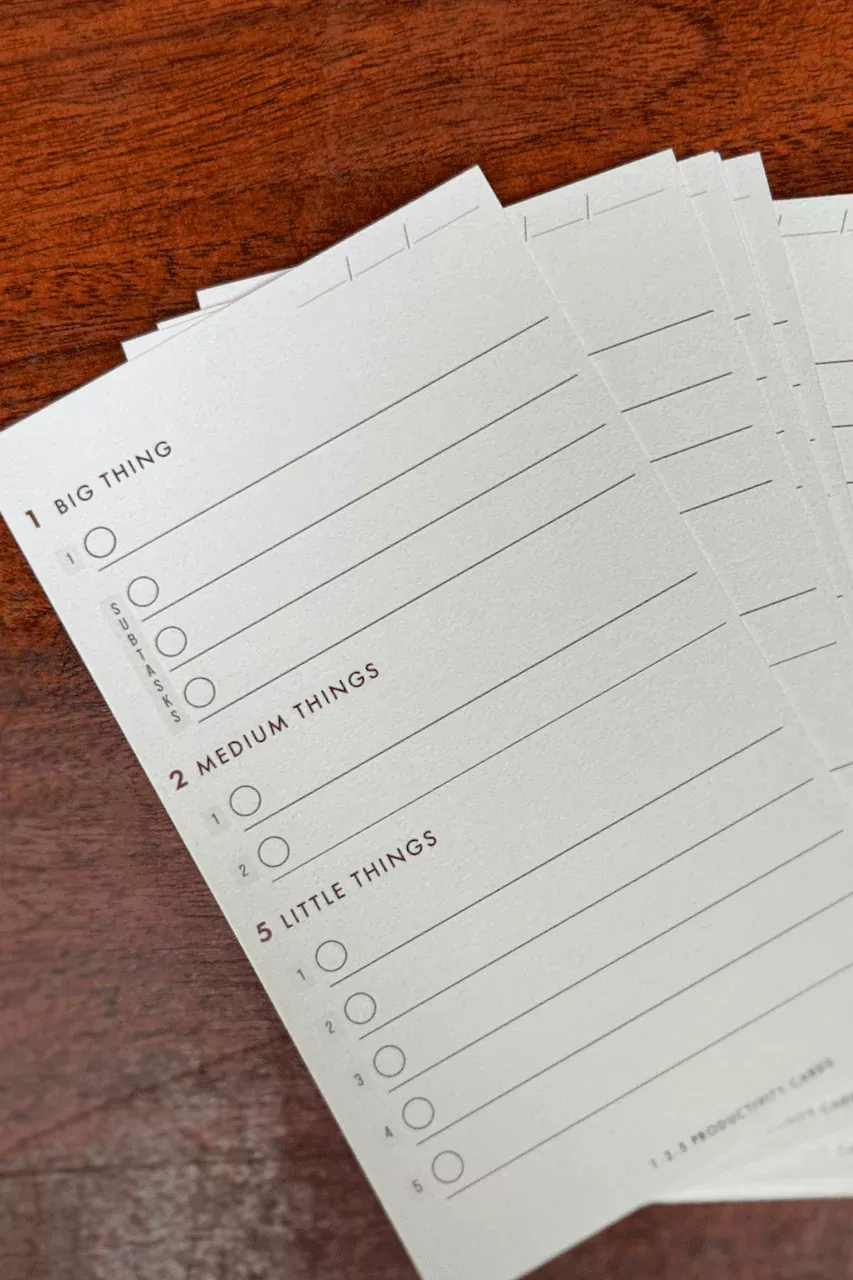
1-2-5 Daily Productivity Cards.
Gratitude Journal for men
BOOK LISTS
Free Self-Improvement Books + Guides
Popular guides
top podcasts

POPULAR SELF-DEVELOPMENT ARTICLES + PODCASTS:
The Ultimate Guide to Overcoming Lack of Motivation + Energy
10 Things to Remember if You Want to Do What You Love for a Living
7 Life-Changing Benefits of Weight Lifting
Design The Perfect Morning Ritual
Use Outcome Thinking To Get What You Want