Enhancing Workplace Security: The Practical Value of 12MP Security Camera Systems
Collaborative Post
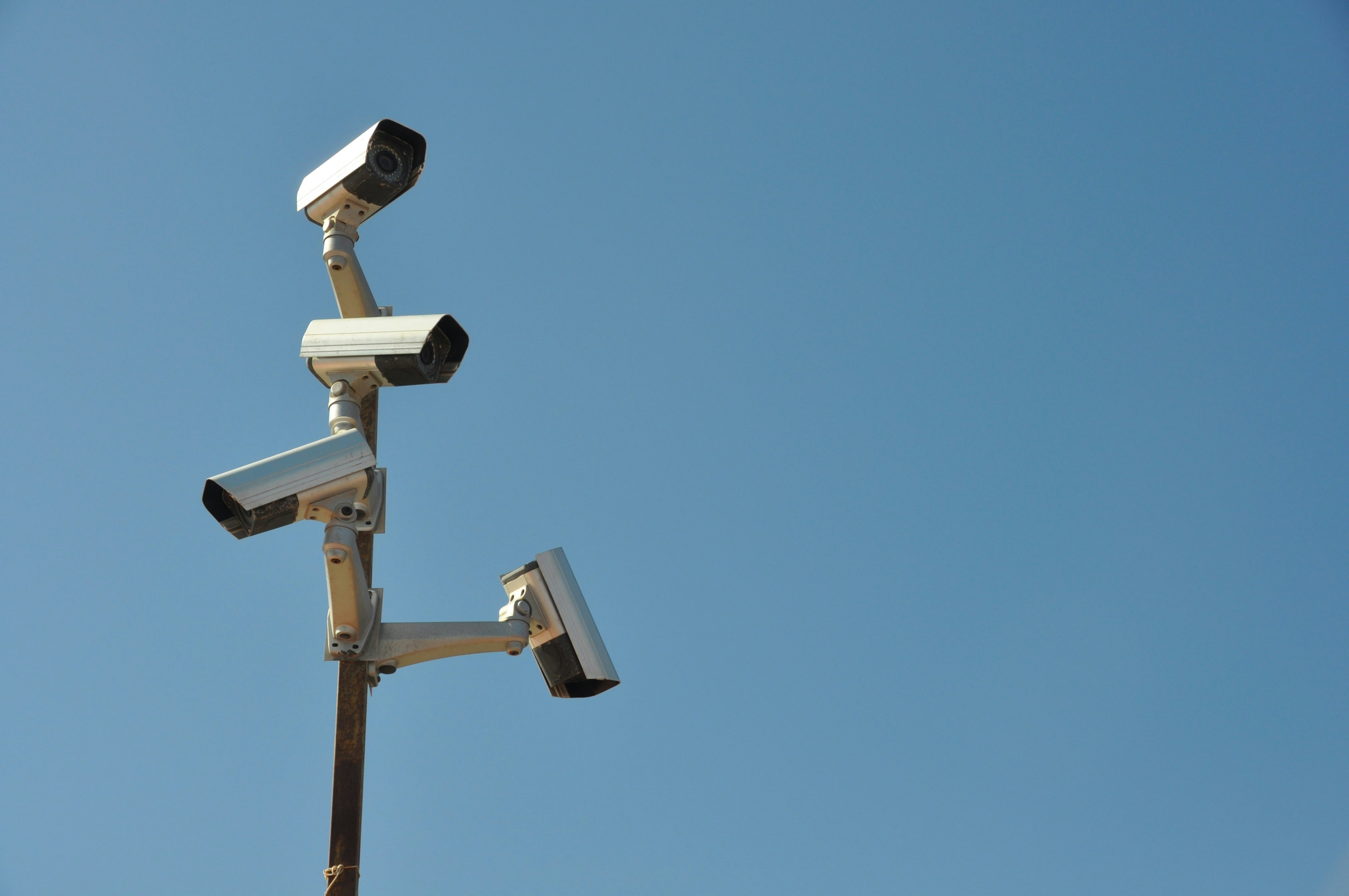
Image credit Unsplash
A high-resolution camera system can provide workplace managers with clearer evidence, wider coverage, and better visibility across busy commercial properties. Image quality alone won’t solve every security concern, but it can improve incident reviews, site management and workplace safety when paired with thoughtful placement and clear operating policies.
A 12-megapixel (12MP) system captures far more image data than many standard cameras. That extra detail can be valuable in warehouses, offices, retail locations and multi-building sites where managers need to monitor large or complex spaces.
What 12MP resolution adds
Resolution determines how much visual detail a camera records. A 12MP camera captures an image with roughly 12 million pixels, giving managers more room to zoom in on a specific area during an incident review. Details such as package labels, clothing features, or activity at a distant doorway may remain clearer after digital zooming.
That benefit matters most when a single camera oversees a broad area. In a warehouse, for example, a well-positioned high-resolution camera may cover several loading bays while preserving useful detail. Actual results still depend on lighting, lens selection, viewing angle and the distance between the camera and the subject.
When an upgrade makes practical sense
Consider an upgrade when existing footage regularly fails to answer basic questions about an event. Blurry images, large uncovered areas and poor nighttime visibility are signs that the current setup may no longer fit the property.
Commercial managers comparing 12MP security camera systems should review the complete setup, including IP cameras, recorder capacity and low-light performance. A retail store may need clear coverage around entrances and registers, while a multi-building property may place greater value on centralized recording. Match the camera type and lens to each location rather than assuming a single configuration will work everywhere.
Storage and network demands
Higher-resolution video creates larger files, so storage planning should happen before installation. The required capacity depends on the number of cameras, frame rate, compression format, recording schedule, and retention period. Continuous recording from 20 cameras will consume much more storage space than motion-based recording from 6 cameras.
Network capacity also warrants attention because IP cameras transmit video over the property’s network infrastructure. Ask an installer to estimate daily data volume and confirm that switches, cabling, and the network video recorder can handle peak demand. Retention rules should reflect operational needs and any applicable legal requirements. Keeping months of footage without a clear reason raises costs and increases the amount of stored information that must be protected.
Placement matters as much as pixels
Start with a site walk and identify the areas where an incident would be difficult to reconstruct. Entrances, loading areas, reception points, corridors and inventory zones often deserve priority. Mounting height should discourage tampering while preserving a useful viewing angle.
Test each position under normal daytime and nighttime conditions. Bright windows can darken faces, reflective surfaces can create glare, and shelving can block a view that looked clear on a floor plan. Full-time color night vision may help in suitable locations, but it still requires sufficient ambient light to produce usable results. Review sample footage before finalizing every mount so adjustments remain easy.
Protecting footage and employee privacy
Camera systems handle sensitive workplace information, making video data security an integral part of everyday operations. Change default passwords, apply software updates, and limit system access to employees who need it for defined job duties. Keep an access log and remove permissions promptly when someone changes roles or leaves the organization.
Written policies should explain where monitoring occurs, why footage is collected and how long recordings remain available. Avoid placing cameras in areas where people reasonably expect privacy. Managers should also check applicable employment, privacy and recording laws before installation since requirements vary. Clear signage and consistent procedures help employees understand the system’s legitimate business purpose.
Measure performance after installation
A camera system needs periodic testing after it goes live. Set up a quarterly review to check image clarity, timestamps, storage capacity, camera alignment, and nighttime footage. Trees grow, shelving moves, and lighting changes, so a useful view can deteriorate without an obvious equipment failure.
Run a simple retrieval exercise during each review. Select a date and location, then confirm that an authorized manager can locate and export the relevant footage without delay. If that process takes an hour during a test, it may take even longer during a real incident. A 12MP system delivers its practical value when clear footage can be found quickly and handled in accordance with a documented policy.
—End of collaborative post—
Free self-development courses
👇
 |
 |
Free life guides
👇



Best-selling Self-development courses by Dean Bokhari
Kill procrastination.
|
Get motivated.
|
Connect with anyone.
|


freshly pressed:

Top Audiobooks narrated by Dean Bokhari on audible | |


Book summaries
- The Power of Habit by Charles Duhigg
- 12 Rules for Life by Jordan B. Peterson
- Presence by Amy Cuddy
- Leaders Eat Last by Simon Sinek
- The ONE Thing by Gary Keller, Jay Pasan
- Deep Work by Cal Newport






NAV

listen + subscribe




Overcome fear, beat procrastination, and accomplish your greatest goals with this 30-day success program by Dean Bokhari.
1-2-5 Daily Productivity Cards.

Gratitude Journal for men

BOOK LISTS
Free Self-Improvement Books + Guides
Popular guides
top podcasts







POPULAR SELF-DEVELOPMENT ARTICLES + PODCASTS:
The Ultimate Guide to Overcoming Lack of Motivation + Energy
10 Things to Remember if You Want to Do What You Love for a Living
7 Life-Changing Benefits of Weight Lifting
Design The Perfect Morning Ritual
Use Outcome Thinking To Get What You Want