A Practical Guide to Launching a WordPress Site Without Burning Out
Collaborative Post
When you’re responsible for launching a WordPress website in 2026, this is a project that you want to take seriously. It’s certainly not something that you want to be cutting corners. If you do, then you could end up making mistakes and having a finished result that doesn’t perform quite to the standard you’d hoped.
In this guide, we’ll take a closer and more in-depth look at how to launch a WordPress site that hits all the marks but doesn’t cause you to burn out, especially if you’re doing all the work yourself.
Here are some of the top tips and guidance you’ll want when launching a WordPress website for the first time.
1. Define clear and achievable goals
First and foremost, figure out what your goals look like. Before starting, you’ll want to set some SMART goals. These are specific, measurable, achievable, relevant, and time-bound goals.
Knowing the primary purpose of your site is the first step to making sure you’ve got all of your intentions laid out and accurate. From generating leads to selling products or sharing content, all of the above can help you to focus on your efforts and to establish what truly matters.
It can also be helpful for you to keep track of everything that needs to be done so that you don’t repeat your work efforts or lose that motivation that keeps you working hard.
2. Embrace the minimum viable website approach
It’s important to note that perfection itself really doesn’t exist. While you can certainly get close to the perfect version of your website, it’s useful not fall into that ‘perfection trap’. You want to build a website that includes only the absolute essentials it needs.
That way, you can slowly implement new features and functionalities that you can measure, test, and refine individually. If you’re cluttering the website with too much early on, then there are likely to be more mistakes that need rectifying, which can cause problems.
Try to embrace this minimum viable website approach because even though you might want to rush through and add everything you can think of, having the core essentials is a good foundation for building a fulfilling and high-performing website.
3. Make use of a staging environment while your site is being developed
While your site is under development, it’s good to have a staging environment where you can trial and test different features without having to actually go live with your website.
You should also never make any major changes directly to your live site. Instead, a staging site, which is a private copy of your website, is helpful when you need to test some new themes, plugins, or content without the risk of it breaking your public presence.
This is particularly important for brands and businesses that may be updating their site with a new look. You’re likely to have some level of traffic coming onto the site, and 404 web pages, or the whole website crashing, is never a good look for new users to see.
4. Automate your backup strategy
Automating your backup strategy is definitely something that you want to do in order to protect your website and all the effort you’re making behind the scenes.
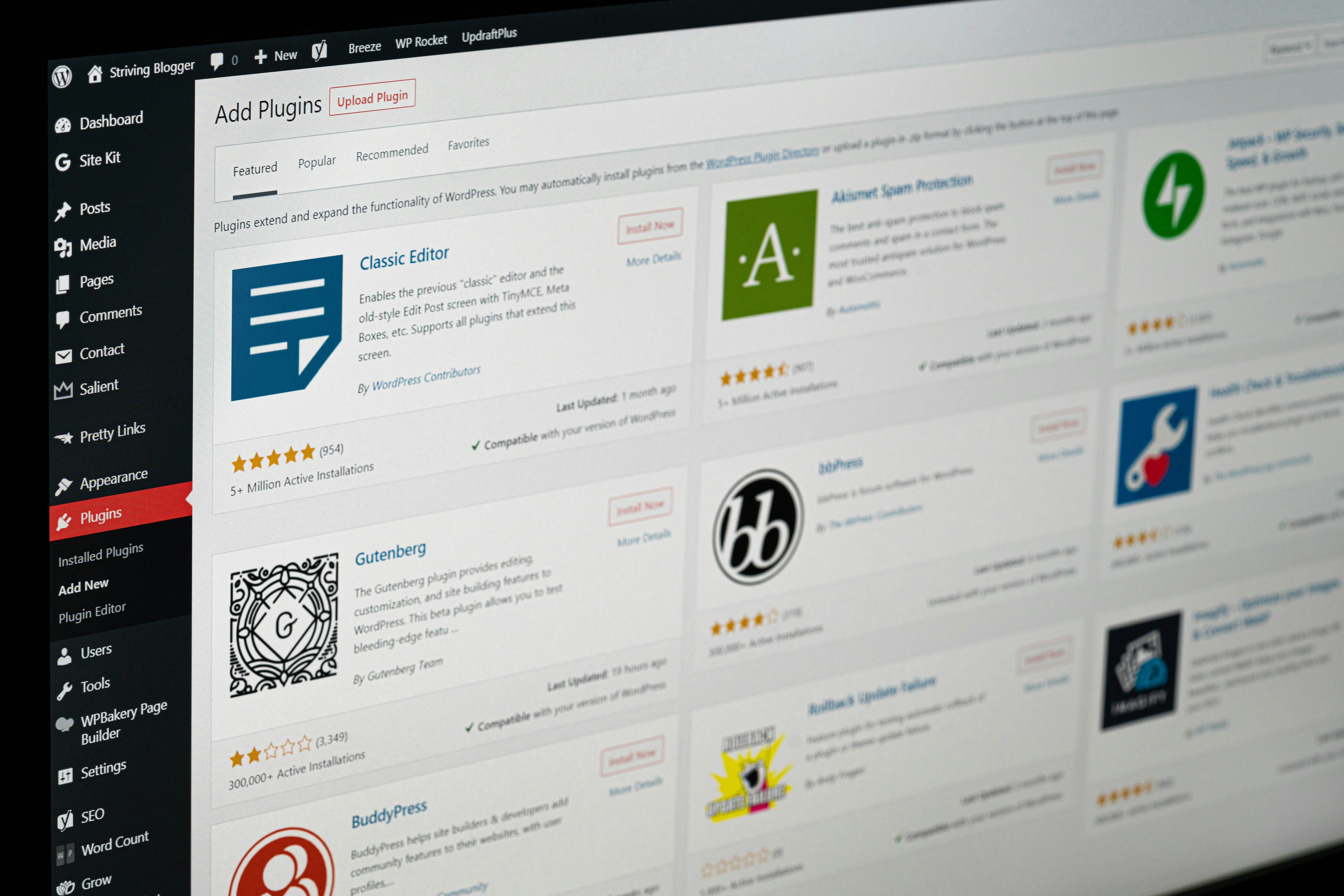
By setting up an automated backup system with the use of plugins like VaultPress or UpdraftPlus, it acts as a handy insurance policy. It ensures any backups are stored off-site, like on Google Drive or Dropbox, in order to protect your data from server failures.
Automated backups offer that peace of mind that you need when you’re working on a big project like this one. Every effort and detail has taken you time and resources, so you don’t want it going to waste through accidental deletions or power failures, causing loss of work.
5. Choose a lightweight and performance-optimized theme
A lightweight and performance-optimized theme is crucial to have because bloated themes that have excessive code, it often slow down the performance of the site, complicating its development.
Opting for lightweight themes like Astra or GeneratePress is crucial for prioritizing speed and simplicity.
There are plenty of pre-made templates that you could utilize, especially if you’re not fussed about other website users having the same variation of layout and design as your own. However, ultimately, it’s best to go for a custom design if you’re able to.
6. Leverage essential plugins and tools for automation
Essential plugins and tools for automation are important to take advantage of, like this WordPress AI website builder, for example.
The use of these plugins or tools is handy to help streamline your efforts and frees up any time you need to prioritize other important design and development aspects of the site.
7. Batch your content creation
Content is king, and in order to make sure your website really performs well when launched, you want all your content available and ready from the moment you hit the launch button.
Ideally, the more content you can have scheduled and ready to publish, the better. Not only is this good for providing consistency to your content, but it also helps you avoid burning out from content creation.
By batch or bulk creating your content, it’s going to ensure your website is gaining all the traffic it deserves and hopefully will get in reality.
8. Schedule your launch moment strategically
Timing is everything, and that includes launching your website at the right moment. Going live is a strategic move, and therefore it’s good to know when the right time to do it, is. For example, launching early in the week is best from Tuesday through to Thursday if possible.
Launch it during regular business hours, as this ensures you and your support resources are available, should something go wrong during its launch. This can be particularly helpful if you’re launching products or services that will be in high demand.
It’s also useful to perform a pre-launch functionality sweep to verify that all the critical elements of the site are working and functioning correctly.
With these tips, you can’t go wrong when launching a WordPress site. Take on these tips for your own efforts and remember to take your time, avoiding the burnouts that will damage your health and the performance of the site.
End of collaborative post
Free self-development courses
👇
 |
 |
Free life guides
👇

Best-selling Self-development courses by Dean Bokhari
Kill procrastination.
|
Get motivated.
|
Connect with anyone.
|

freshly pressed:
Top Audiobooks narrated by Dean Bokhari on audible | |

Book summaries
- The Power of Habit by Charles Duhigg
- 12 Rules for Life by Jordan B. Peterson
- Presence by Amy Cuddy
- Leaders Eat Last by Simon Sinek
- The ONE Thing by Gary Keller, Jay Pasan
- Deep Work by Cal Newport


NAV

listen + subscribe



Overcome fear, beat procrastination, and accomplish your greatest goals with this 30-day success program by Dean Bokhari.
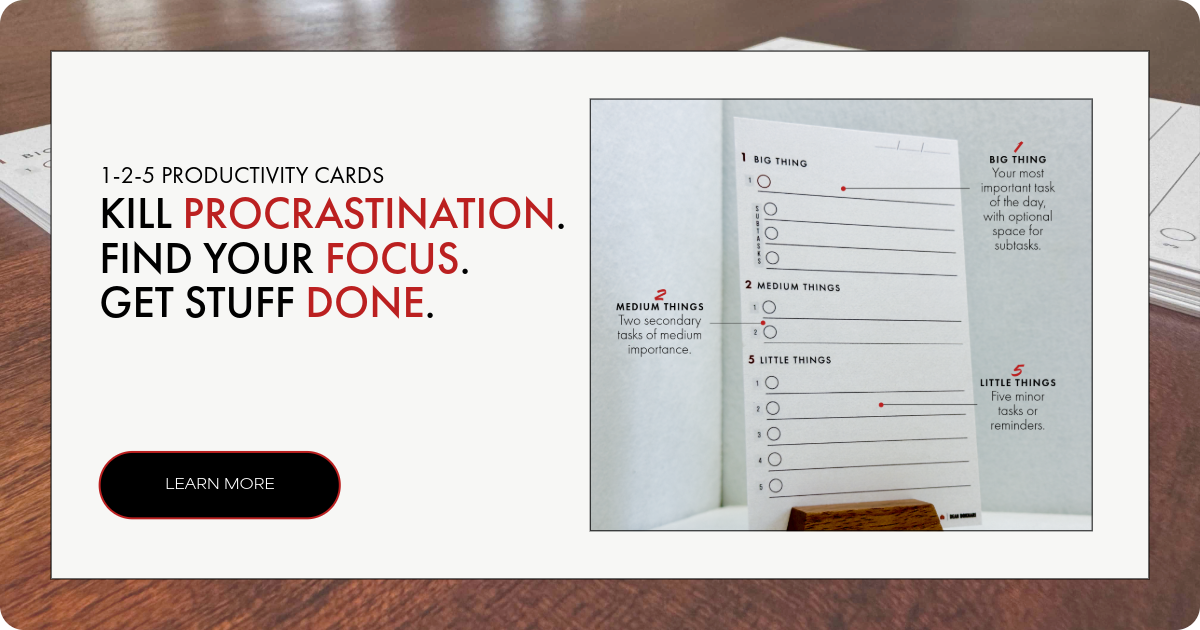
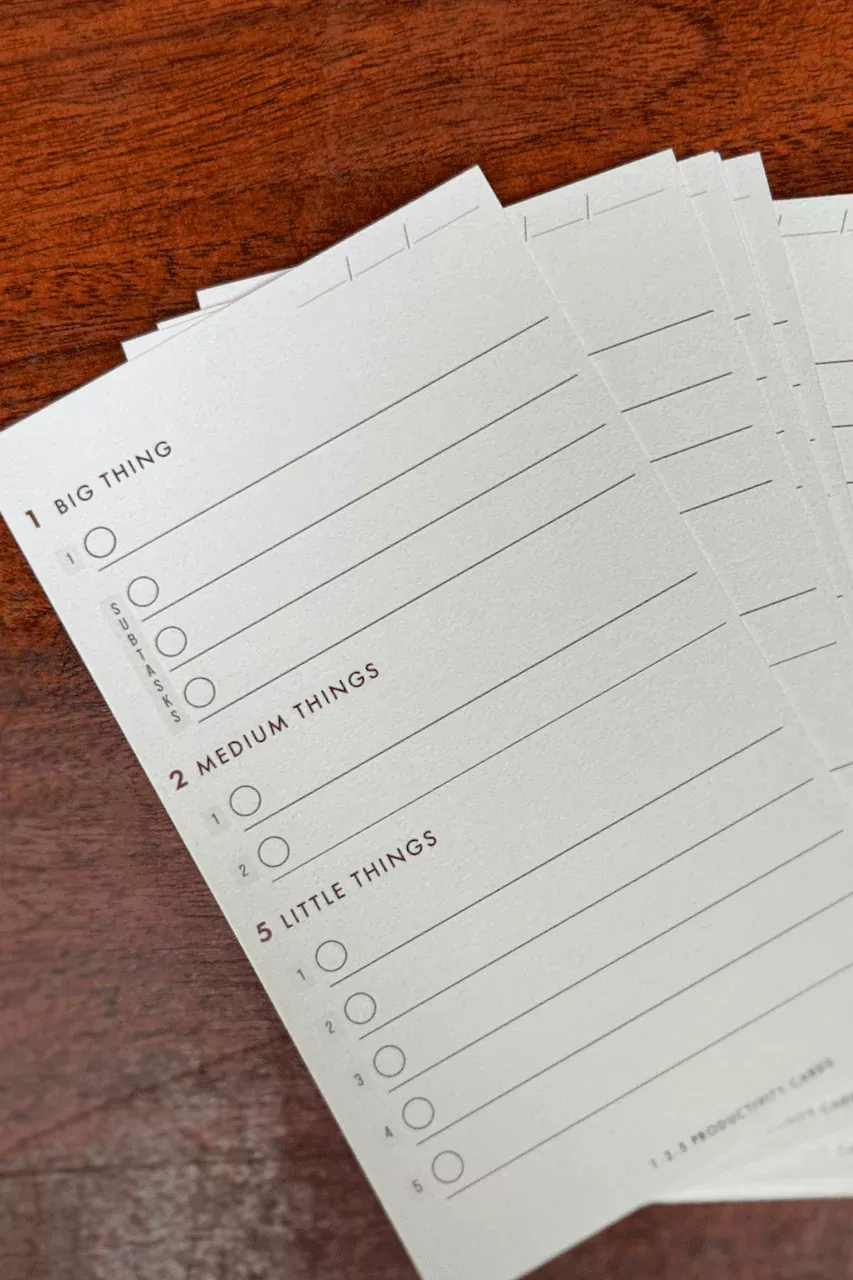
1-2-5 Daily Productivity Cards.
Gratitude Journal for men

BOOK LISTS
Free Self-Improvement Books + Guides
Popular guides
top podcasts

POPULAR SELF-DEVELOPMENT ARTICLES + PODCASTS:
The Ultimate Guide to Overcoming Lack of Motivation + Energy
10 Things to Remember if You Want to Do What You Love for a Living
7 Life-Changing Benefits of Weight Lifting
Design The Perfect Morning Ritual
Use Outcome Thinking To Get What You Want